CALL US


How to set up your artwork for badges
Images for badges should be quite large, big enough to fit our template or the finished badge may look quite blocky.
**Keep in mind how small the badges are when designing your image, as very small text or thin lines may not appear on the badge!
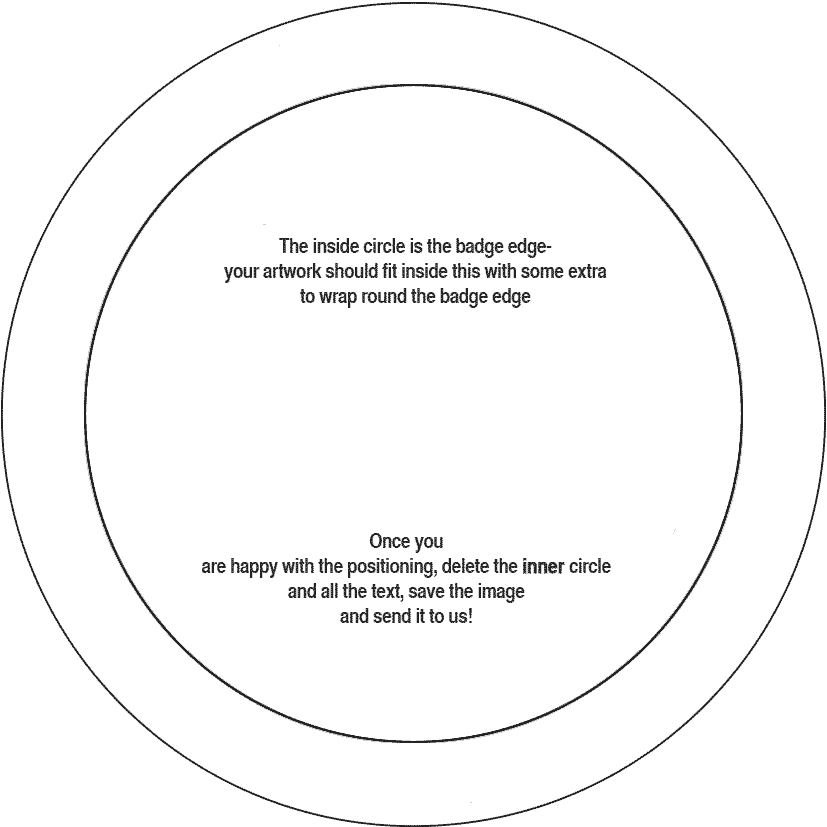
Once downloaded, the template file can be opened in any image editor (such as photoshop, gimp or coreldraw). The template is transparent so you can place your artwork in a separate layer underneath the circles. If you don't have any software for editing, you can try out photopea.com, it's a great online editing tool.
The area in the inside circle will be the front of the badge, and for best results we recommend filling up to the outside edge for bleed so the image wraps around the edge of the badge:

Once you have the image placed where you want it on the badge, delete the inner circle (you don't want it appearing on the final product!) and save the completed template. It can be saved as png, jpeg, psd, ai... we can accept most image formats. Send it on to us either via e-mail or attached to the order form. We will confirm the artwork prior to making up the badges to ensure you are completely happy with the final product.
If you have any questions at all that aren't answered here then send us an email
Setting up artwork for garment printing
Images for t-shirts, totes etc should ideally be sent to us as a vector format (pdf, ai, eps) or set up as a large image. The resolution for non-vector artwork needs to be 300dpi at the size you want the image printed. Maximum print size is 290mmx320mm for screen printed t-shirts, 290mm x 300mm for tote bags and 280mmx330mm for digital prints.
We know this can be a bit tricky so if you need any assistance don't hesitate to get in touch and we'll help get you set up!
-BADGE ARTWORK TEMPLATES-
25mm template


38mm template

58mm template